CRM
Run a sales pipeline
CRM keeps deals, contacts and notes in one board — for you and for the agents working alongside you. Sign in, create a workspace, and every deal moves from first contact to signature on the same pipeline. The ape-crm CLI drives all of it from the terminal.
Sign in with one click
One click and you are in — your passkey, your IdP. A fresh account asks for a workspace first: that is the shared container your deals, contacts and companies live in.
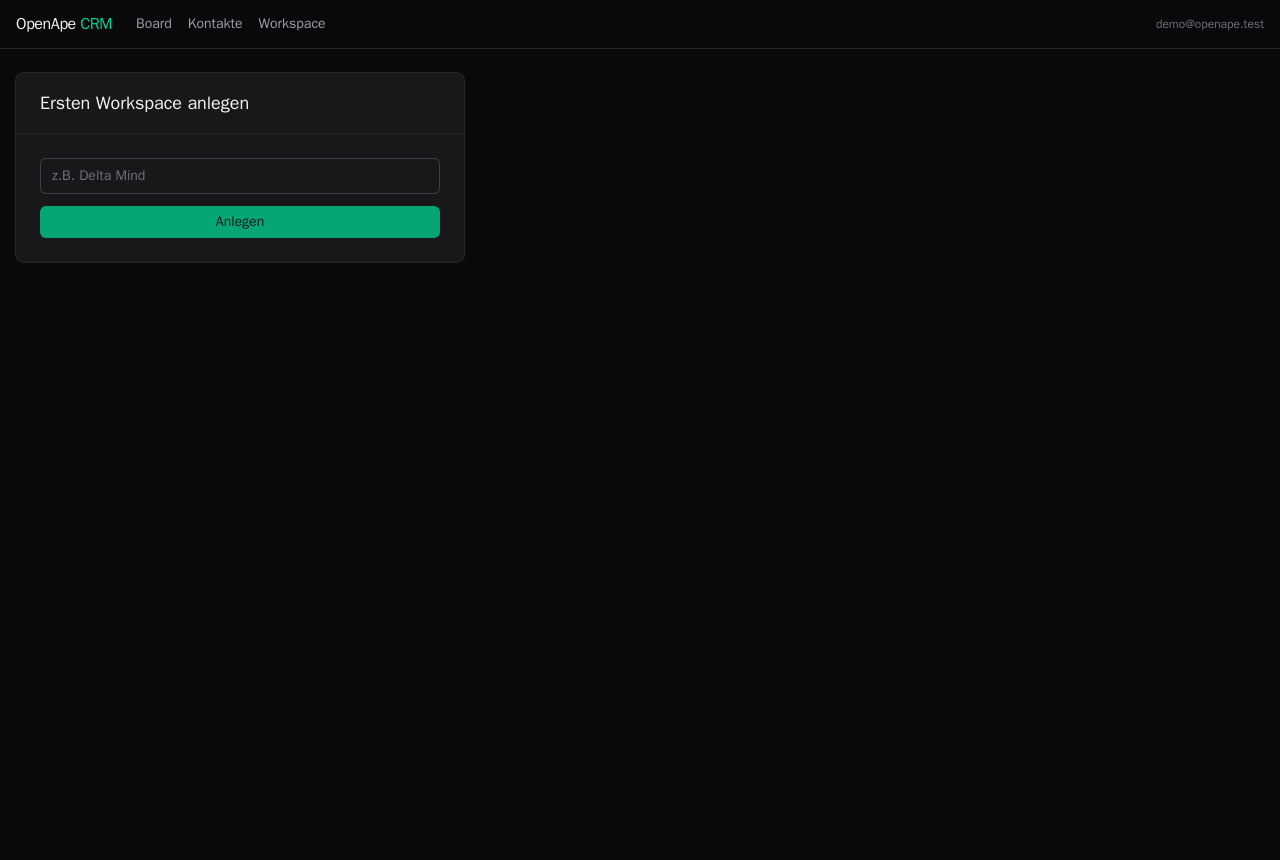
Create a workspace
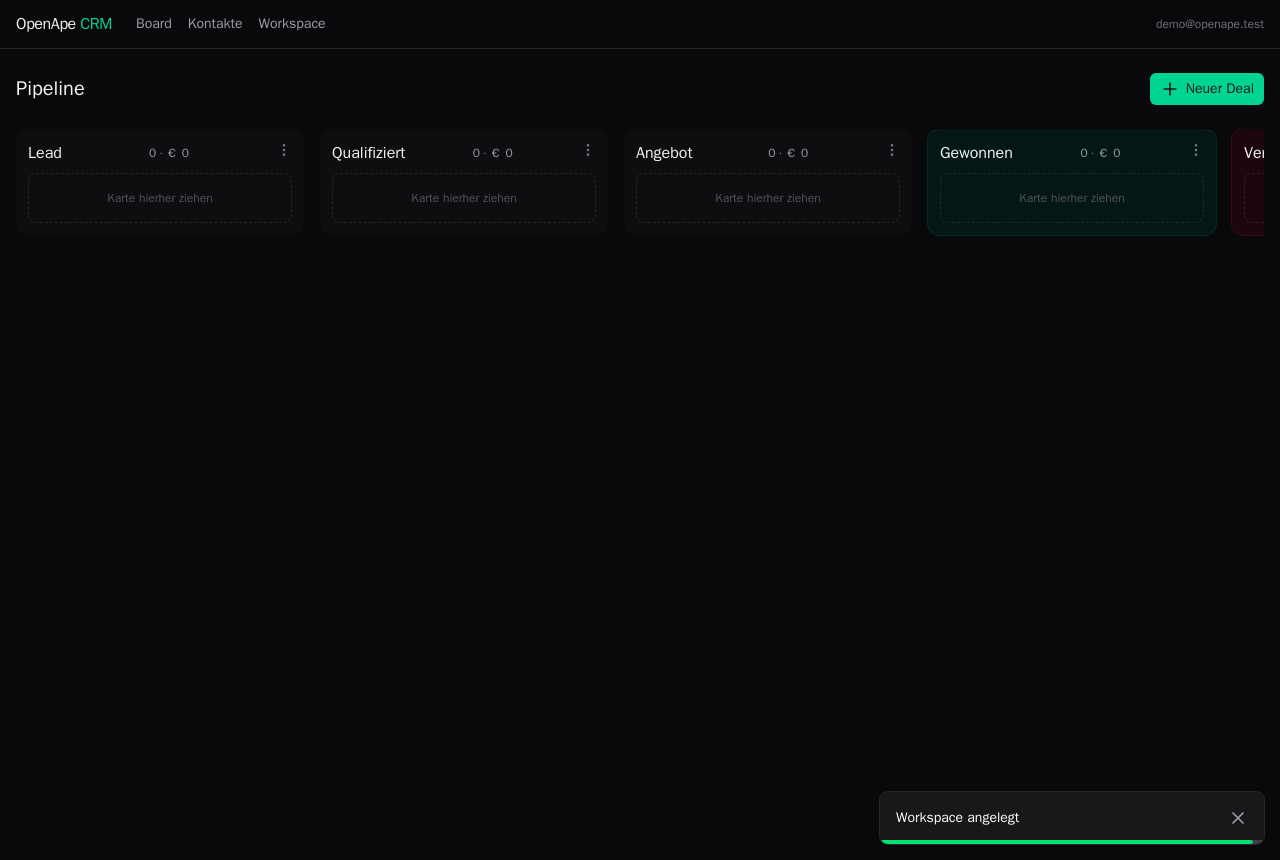
Name the workspace and the board opens on a fresh pipeline: Lead, Qualifiziert, Angebot, Gewonnen, Verloren. Invite colleagues to it, or authorise an agent — everyone works the same board.
Fill the pipeline
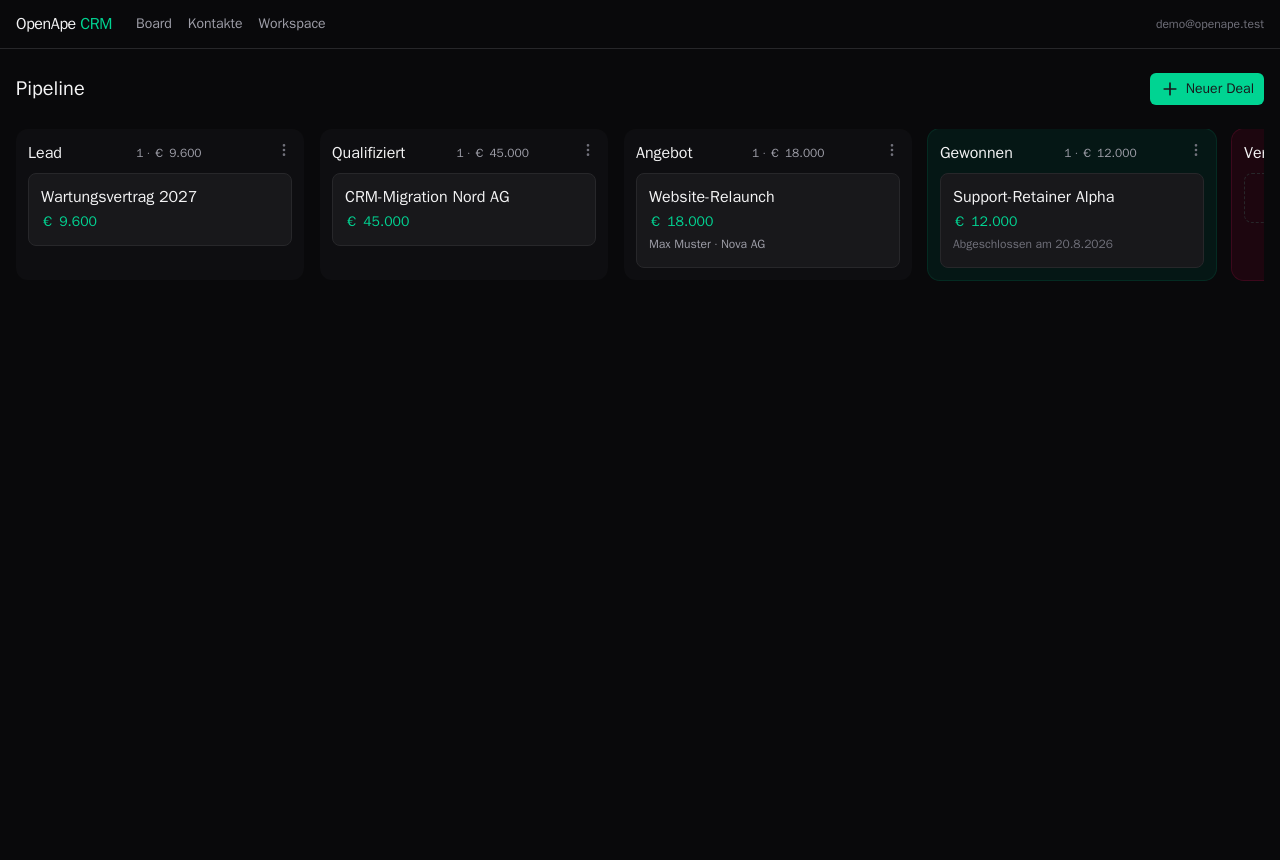
Each card carries its title, value and the person behind it; the column header sums what is riding on that stage. Drag a card to move it, and the closing columns stand out so a full pipeline reads at a glance.
Open a deal
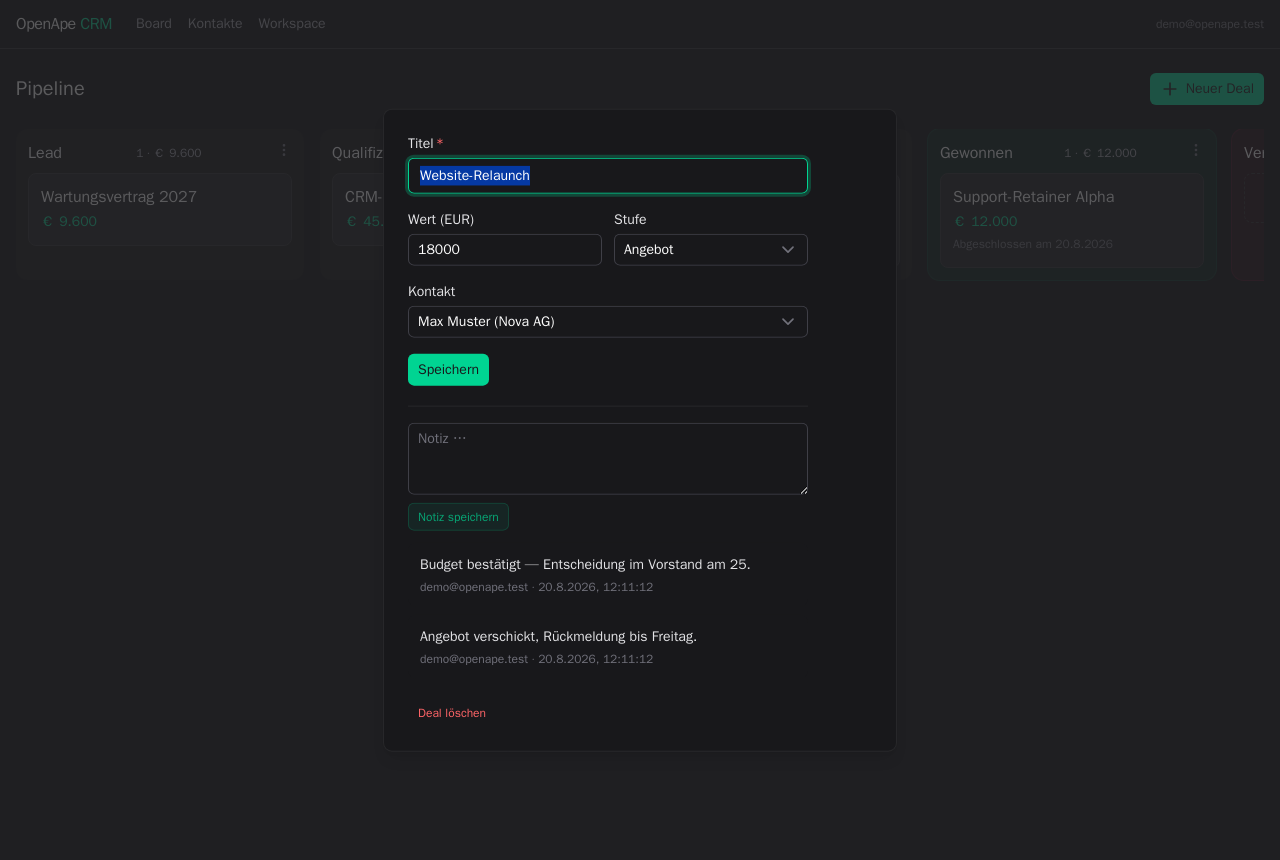
Click a card to work it: title, value, stage and contact are editable, and the note history sits right below. Every note is stamped with who wrote it and when — a human or an agent.
Shape the pipeline
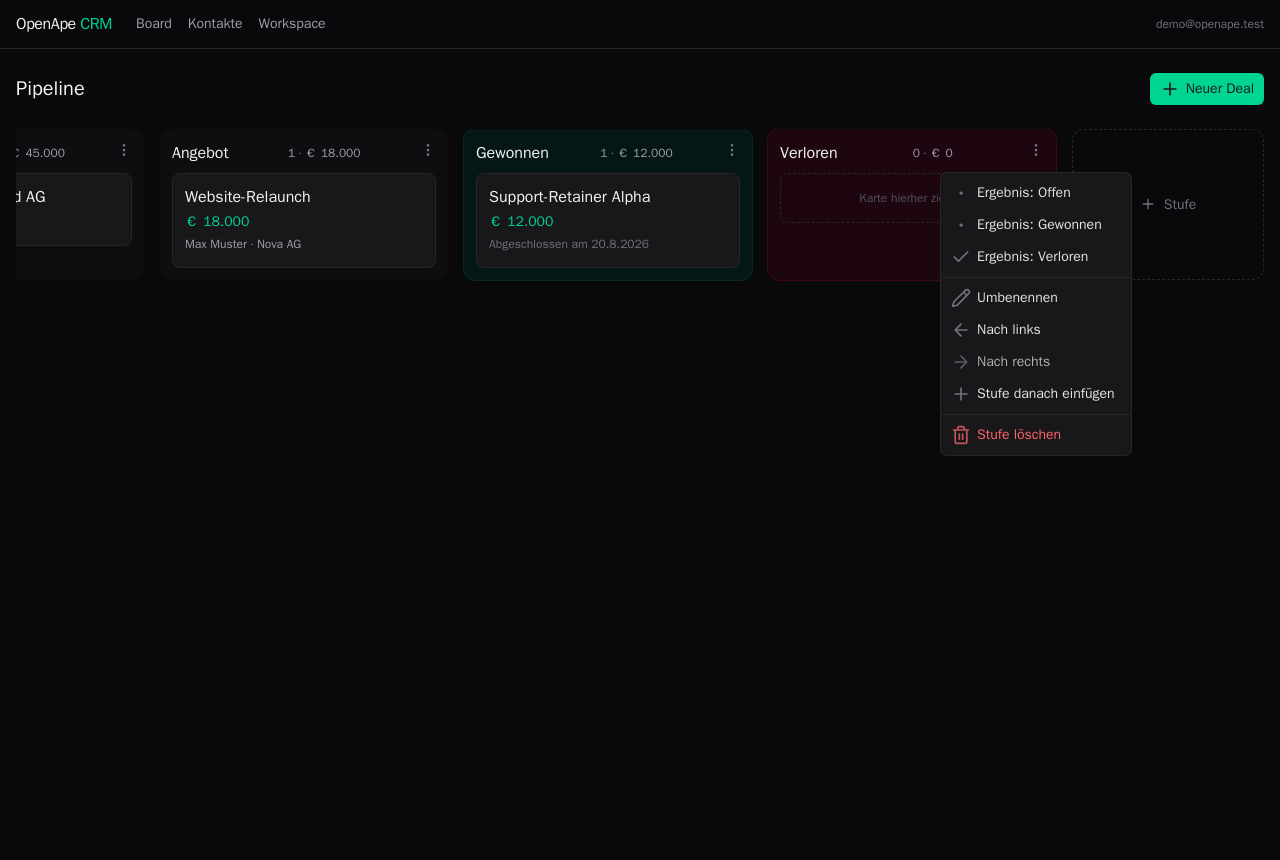
The columns are yours. Click a heading to rename it, use the menu to reorder or insert a stage, and add as many as your process needs — several loss reasons, for instance. Whether a stage closes a deal is a setting, not its name, so renaming never breaks the numbers.
Contacts and companies
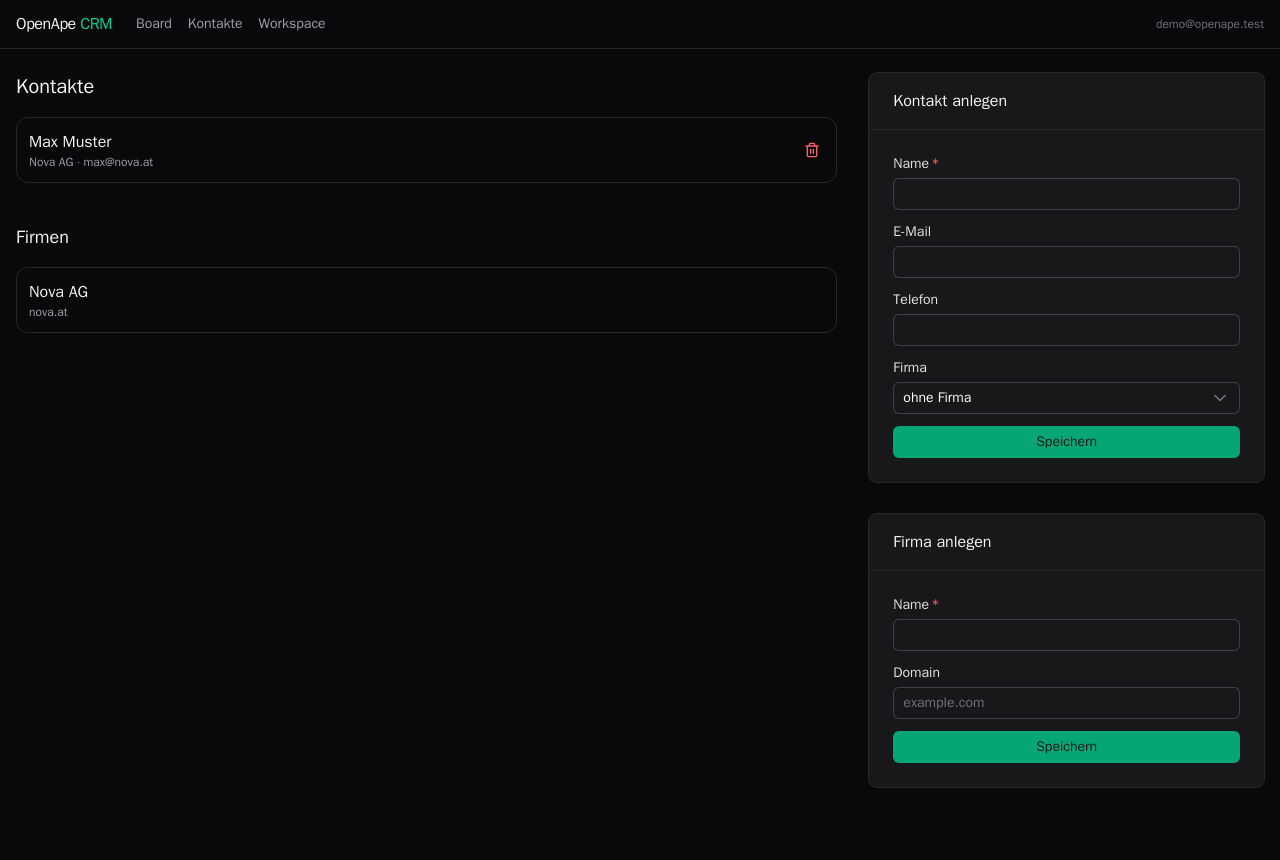
People and the companies they work for live behind the board. Link a contact to a deal and the card shows who to call — the same records ape-crm contacts reads and writes.