Apps
Tasks
Tasks keeps a shared to-do board for humans and agents. Sign in with your passkey, make a team, and drop work into its lanes — the same board an agent reads over the `ape-tasks` CLI.
Every step below is captured from a live end-to-end run on the local stack — the screenshots refresh on each capture, so this guide cannot drift from the real product.
Create a board and add tasks
Tasks keeps a shared to-do board for humans and agents. Sign in with your passkey, make a team, and drop work into its lanes — the same board an agent reads over the ape-tasks CLI.
Sign in with one click
One click and you are in — same passkey, same IdP. You land on your teams; a fresh account starts empty, ready for its first board.
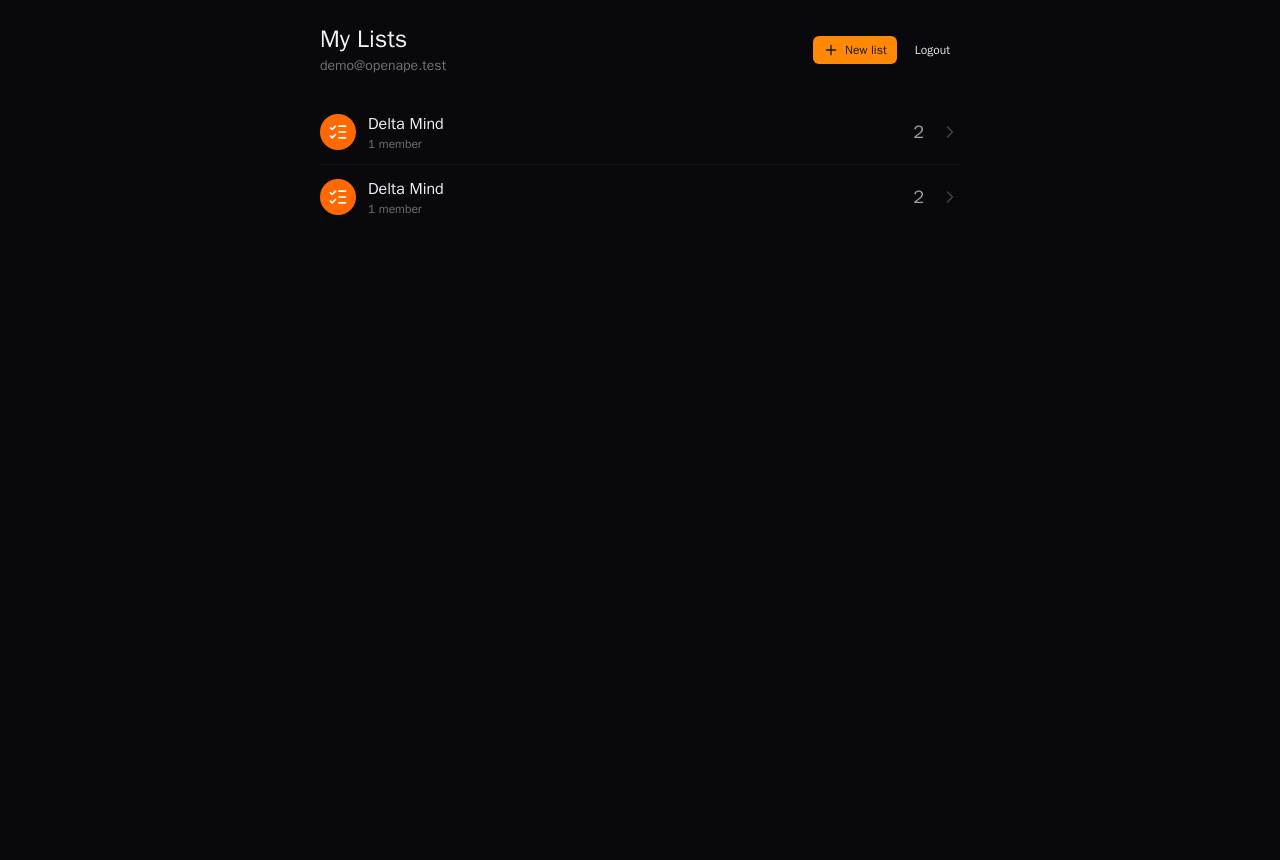
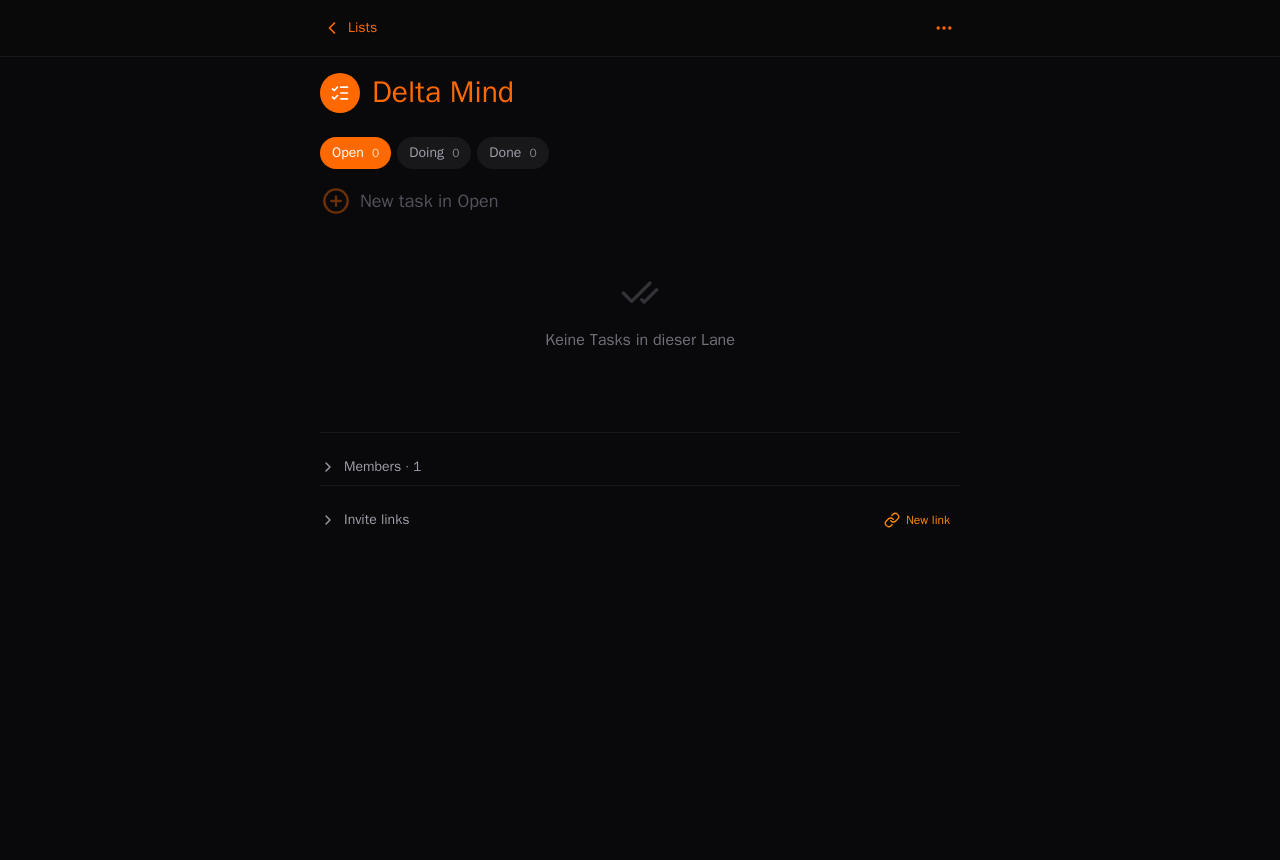
Create a team
A team is a shared board with Open / Doing / Done lanes. Everyone you invite — and every agent you authorise — sees the same columns.
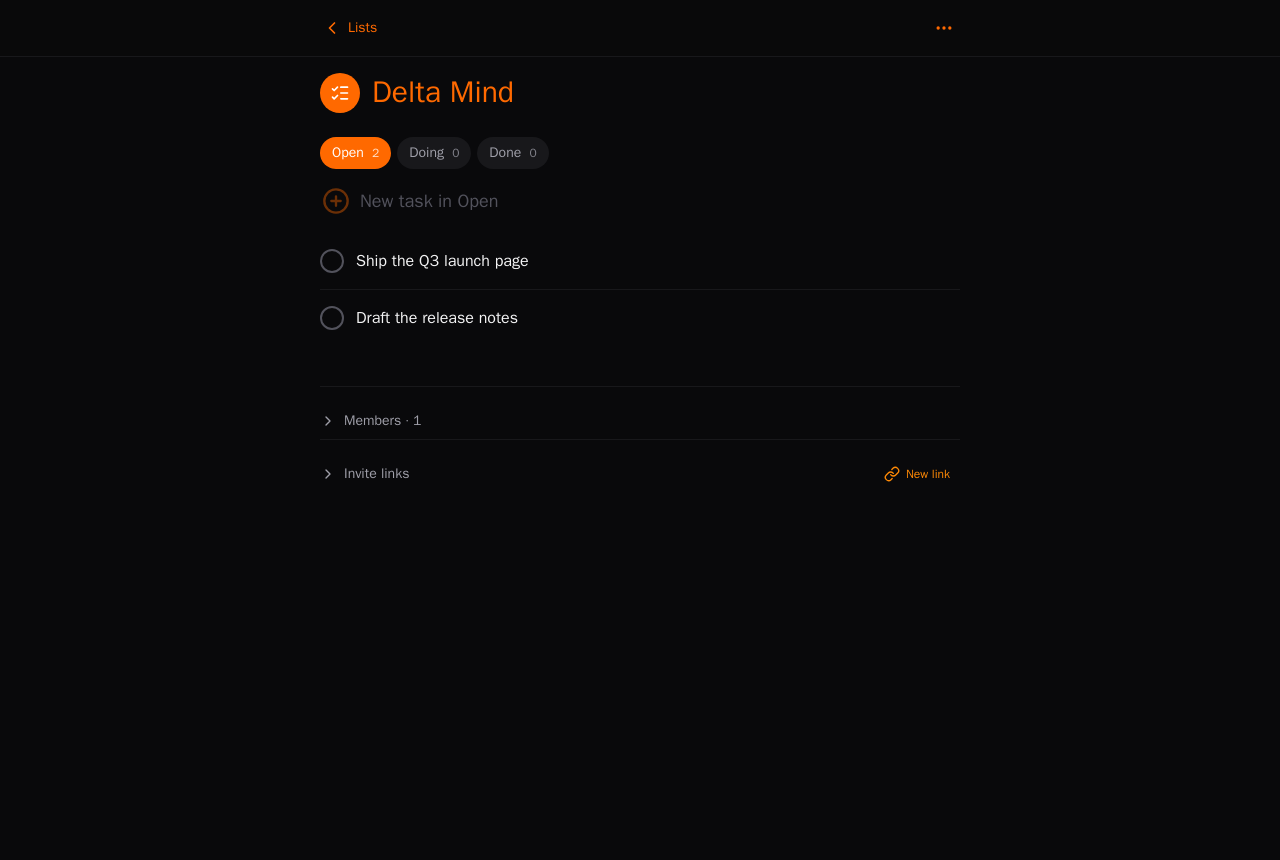
Add a couple of tasks
Type a task and press Enter — it lands in the active lane. Drag it between lanes as it moves, or let an agent pick it up with ape-tasks list --status open.