Apps
Timetrack
Timetrack logs hours against projects for you and your agents. Sign in, create a company and a project, and your monthly timesheet is ready — log entries in the browser or let an agent post them…
Every step below is captured from a live end-to-end run on the local stack — the screenshots refresh on each capture, so this guide cannot drift from the real product.
Set up a project and track time
Timetrack logs hours against projects for you and your agents. Sign in, create a company and a project, and your monthly timesheet is ready — log entries in the browser or let an agent post them over the API.
Sign in with one click
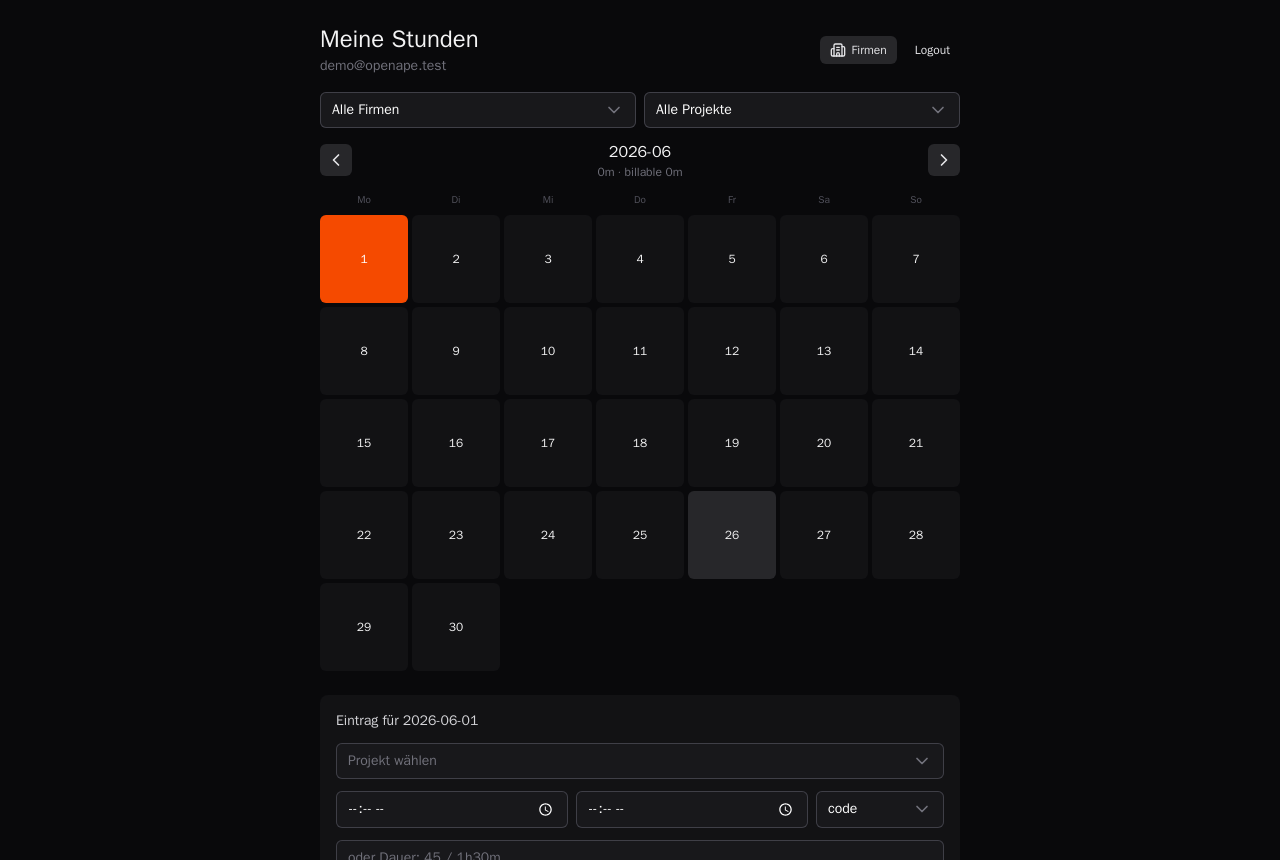
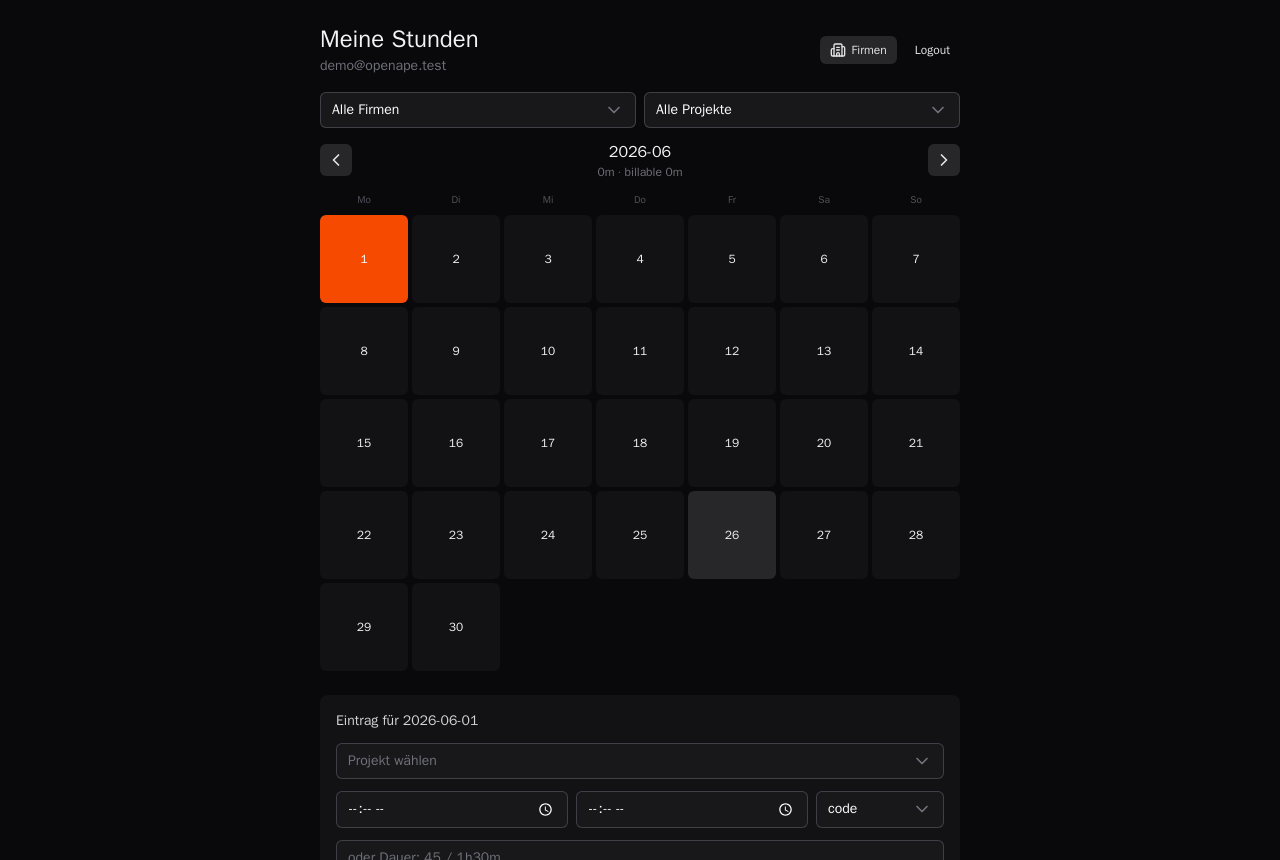
One click and you are in. Your timesheet opens on the current month — empty until you set up a project to book against.
Set up companies and projects
Time is booked against a project, and projects live under a company. Add a company, then a project for each thing you work on — clients, internal work, a side build.

Log a day
Pick a day, choose the project, enter start and end (or a plain duration) and log it. An agent can post the same entries over the API, so a full timesheet falls out of the work you already track.